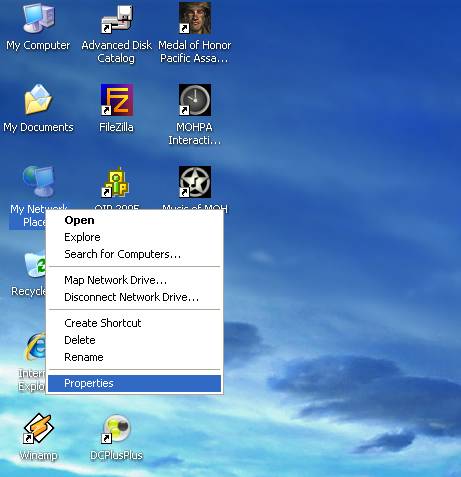
1. Right-click My Network Places and choose Properties. [Alternatively, go to Start > Settings > Control Panel > Network Connection]
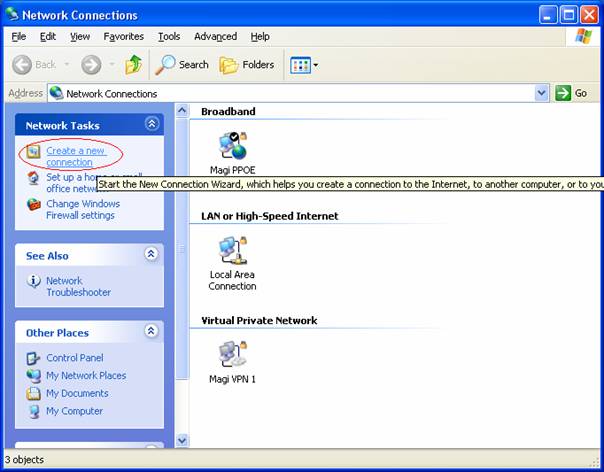
2. Then click Create a new connection in the left-hand panel Network tasks (If there is no left-hand panel, go to File > New Connection.)
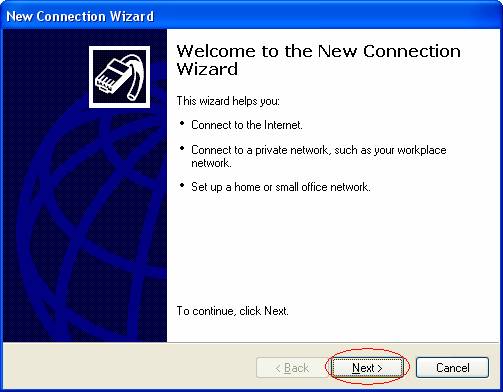
3. Click Next to confirm that you want to create a new connection
4. Select Connect to the Internet and click Next
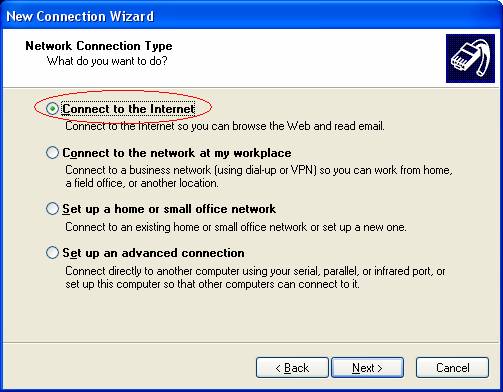
5. Then select Set up my connection manually and confirm your selection by clicking Next
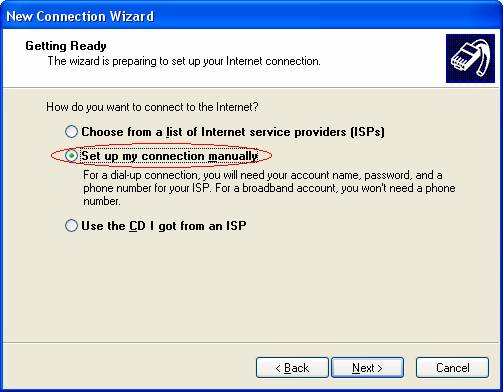
6. Now select Connect using broadband connection that requires a user name and password and confirm your selection by clicking Next
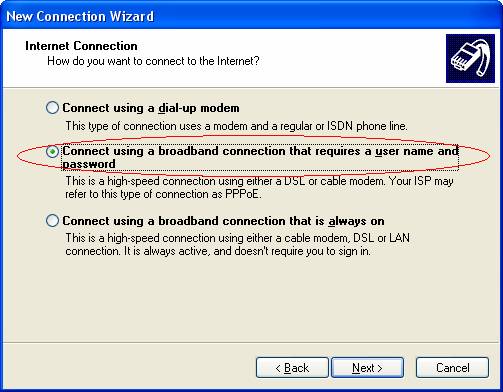
7. In the field ISP Name enter a name for the connection — ATLANTIS for example
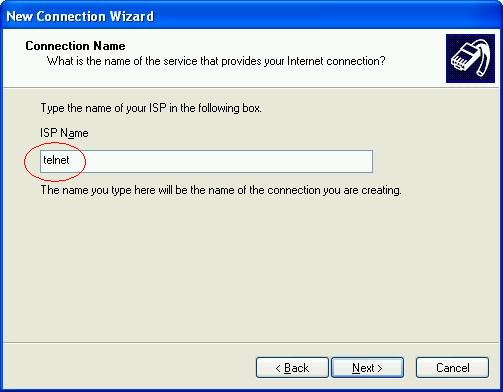
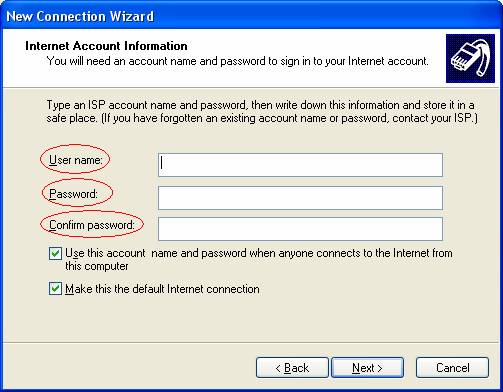
8. In the field User name enter your internet username. In the fields Password and Confirm password enter your password, then click Next.
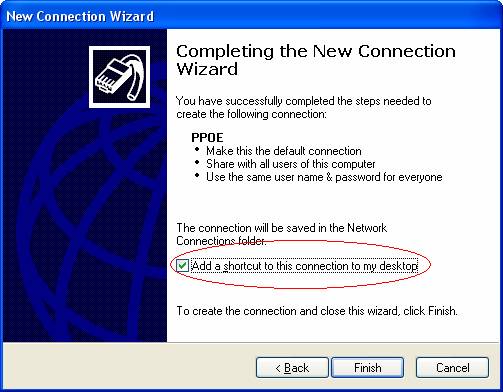
9. Tick the box beside Add a shortcut to this connection to my desktop and click Finish